
AI-Powered Mobile Test Automation for iOS, Android & API
Tired of spending more time investigating test failures than fixing actual bugs? Want regression checks to run consistently on every build while staying in control over the process?
We connect our AI-driven mobile test automation framework to your iOS or Android apps and their APIs to make that happen. AI agents take on much of the routine test creation and maintenance, giving your team more time to build features and ship them more often with the same quality.
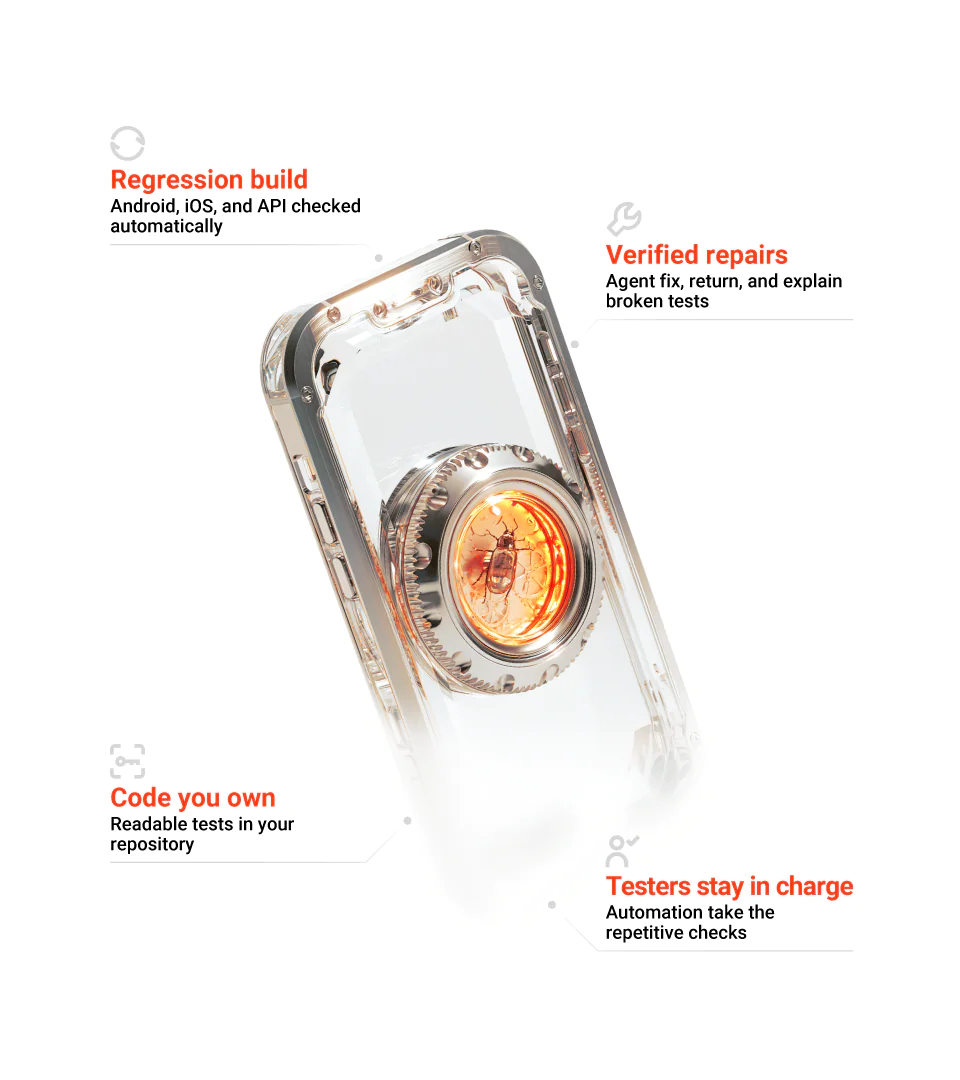
Pilot on one app
Live demo
Open-source stack
Android, iOS & API
Why manual mobile regression stops scaling
When you release monthly and the app has a handful of critical flows, manual mobile regression testing works fine. Even if senior developers spend a few hours checking existing features, the release still goes out on time. But when you ship every week or two and the regression list grows every sprint, repeating checks by hand slows development and delivery. An increasing share of your development budget also goes to work you have to replicate with the next release.
Testing effort compounds with each release
Every new feature adds to the test load on top of existing functionality that still needs checking. Manual QA stretches across a growing list of scenarios, putting release timelines under pressure.
The same tests, every release
Every release, someone on your team runs the same flows on Android and iOS, no matter how small the latest changes are. That’s twice the checking effort for functionality that may behave identically across both versions.
Coverage can’t be measured
Without a documented test suite, it’s difficult to say which scenarios ran on which devices and whether coverage has been changed since the last release. So the decision to ship depends on personal trust.
Developers end up doing QA work
In small teams or growing product companies, developers run regression tests alongside their regular work. That leaves less time for new functionality and technical debt management.
Past automation became too costly to maintain
You tried regression test automation before, but maintaining the suite turned out to be harder than expected. UI updates broke existing tests, new scenarios needed additional scripts, and someone had to fix the failures. Eventually, manual testing seemed easier to manage.
How different test automation solutions manage updates
You can automate mobile testing in different ways. Traditional automation gives you code ownership, but engineers write and fix every test by hand. Self-healing test automation tools are faster to set up and adjust to UI changes without interrupting test execution. Our framework pairs suite ownership with AI agents that write and repair tests, validating every fix along the way.
Capability
AI-operated framework
Traditional automation
Self-healing and record and playback tools
Understanding a new app
AI maps app flows
Engineers map flows and define scenarios
Depends on the tool; may record actions or require manual configuration
Initial suite
Generates a baseline suite for review
Engineers write test scripts
Records steps or generates scripts
Failure investigation
Classifies failures, gathers evidence, and looks for likely causes
Engineers inspect logs and reproduce failures
Capabilities vary by tool
Locator repair
Repairs locators, reruns tests, verifies fixes, and explains changes
Engineers update locators and rerun affected tests
May adjust locators when supported
Flaky tests
Investigates timing issues and escalates unresolved failures
Engineers investigate and fix the cause
May retry or stabilize tests
Cloud integration
Provider switching via configuration
Depends on framework and pipeline setup
Depends on tool integrations
Code ownership
Readable, version-controlled code in your repository
Usually code in your repository
Code access and ownership depend on the tool
Time and effort comparisons are illustrative. Actual results depend on app complexity, test scope, and environment.
What automated mobile testing changes for your team
Measuring test automation value by the hours saved on the first run alone is short-sighted. The bigger returns come from test reusability you can apply to dozens or hundreds of future builds with little rework. When the suite remains reliable and easy to maintain, the value of automated mobile testing compounds over time. Here’s what that means for your team.

Faster releases with consistent quality

More coverage with the same team

Faster defect resolution

A more predictable testing budget

More time for product work

Test knowledge your team can reuse
Find out how much of your regression can run without people
What our mobile test automation framework does
Plain-English test scenarios
Following behavior-driven development (BDD), tests describe what the app should do from the user’s point of view. They are defined using Gherkin, a format of Given, When, and Then steps, and Cucumber test automation turns scenarios into executable tests.
UI and API testing in one suite
The framework combines mobile test automation with Appium and API test automation with RestAssured in one Maven project. This lets you validate front-end user interactions alongside the underlying API logic, especially when UI flows are tied to backend responses.
Runs across devices and environments
Real device testing and cloud device testing on LambdaTest or BrowserStack use the same scenarios across development, staging, and production.
Built for reliable test execution
The framework validates its configuration before each run, reruns only failed tests, and saves failure artifacts like screenshots and device logs to a shareable Allure report.
Plugs into your CI/CD
Built as a standard Java-based Maven project, the suite integrates natively into your existing CI/CD test automation pipeline, be it Jenkins, Azure DevOps, or GitLab.
TECH STACK
Cucumber
RestAssured
Appium
Maven
Allure
AI QA automation that keeps your mobile tests working
AI that runs on every build must make financial sense beyond the engineering time it saves. That’s why the framework matches tasks to the right level of reasoning. Lightweight models read logs and parse reports, saving high-reasoning LLMs for code generation and architecture decisions. This agentic testing setup keeps AI test automation costs predictable as execution volume grows under normal use.
From app package to working regression suite
Once you provide your Android or iOS build, our engineers run the AI agents. They map your app’s structure, identify UI elements, and generate scenarios alongside automation code that powers them. At the end, you receive a baseline regression suite ready for your team’s review. The steps are the same for Android and iOS test automation.
Add the app
APK or IPA file
Run /ingest-app
Starts the analysis
AI maps the app
Screens, elements, locators
Run /generate-tests
Scenarios and test code
Review the suite
Engineers check the baseline
Run anywhere
Local or cloud devices
Three commands that reduce manual QA

/ingest-app

/generate-tests

/retry-failures
Every failure is analyzed
Traditional test reports show that something failed, not why. A lot of debugging time goes into test triage, especially when flaky tests and real defects look the same in a report. Agents that perform test failure analysis to identify likely causes and decide what to do next reduce triage and diagnosis overhead. Depending on their findings, they repair the test, rerun it, or pass the issue to your team as a bug report or another format that suits your workflow.
Changed UI element or locator
Compare the current UI with the expected element and update the locator if the match can be verified.
Timing issue or flaky test
Inspect execution evidence and retry, adjusting synchronization only when the evidence supports the cause.
Application or API regression
Flag the behavior for investigation with complete evidence.
Device or environment issue
Check available logs and execution context, then retry or report the issue for human review.
Nothing is guessed. Every decision is backed by evidence collected during the run.
Verified repairs on top of self-healing
Self-healing tests can adapt to an updated UI locator when an app’s interface changes. But a passing test doesn’t prove the root cause was fixed. Our framework includes an extra verification step to separate verified repairs from unresolved failures that only appear fixed. After examining the failure, the agent attempts a repair when appropriate and reruns the test to check the result. If the test still fails or the cause remains uncertain, the agent hands over the issue with the collected evidence.
Failure detected
Repair attempted
Retest and verify
What we automate and what stays with your testers
You can’t automate every stage of the mobile testing strategy at once. Trusting AI to write a test before you know how a feature should work can lock in incorrect logic as the expected result. Testers still need to explore new functionality first and define how it should work. Once the feature is stable, you can move those checks to the automated regression suite, and from that point, our framework takes over.
Automated by AI
- Regression flows across iOS and Android
- Automated smoke testing on every build
- API checks behind the UI
- Evidence collection
- Repeatable runs on real and cloud devices
Led by your testers
- Exploratory testing
- First pass on brand-new feature
- Visual and UX judgment
- Accessibility and localization review
- Acceptance checks for specific scenarios
- Release sign-off
Our framework automates functional regression across the UI and API. Need performance or security testing, too? Explore our QA & software testing services
Test the framework on your app before you commit
The pilot
What you keep
After the pilot
What we need from you to get started
- App and environment access
- Required credentials and accounts
- Device and network access
Pilot – Prove the approach on one app.
Reuse – Extend the framework to other apps.
Standardize – Build a shared approach across teams.
Prefer a demo first?
Want to see the framework in action before committing to a pilot? We’ll demonstrate the workflow from test creation and execution on Android and iOS devices to result reporting in Allure using a sample app.
Who benefits most from AI-operated test automation
The framework is especially valuable for product companies and enterprises that release mobile apps regularly and want to automate time-consuming regression checks without losing the human judgment critical to reliable releases.
Regression falls on your developers' shoulders
You release often but can’t measure coverage
You ship every week or two, but nobody can say for sure what was tested in the last build. Automated test results give your team a consistent record of every flow you’ve tested previously.
You manage several mobile apps
You already pay for device cloud
How we bring mobile test automation into your workflow
Scope and outline strategy
Connect framework
Establish baseline suite
Integrate CI/CD and reporting
Hand over and train your team
Maintenance and scaling
Not sure your app is ready for automation? Start with the pilot to find out.
FAQ
We’ve received your message and will get back to you shortly.